From craving to conjured, in five steps
No learning curve, no friction. Here is the full TableGenie experience, start to finish — whether you are dining out, ordering in, or hosting an event.
In a hurry? Just ask Genie.
Tap the Genie bulb and say what you want — the in-app voice concierge can walk any of these steps for you, hands-free.
Find your table or occasion
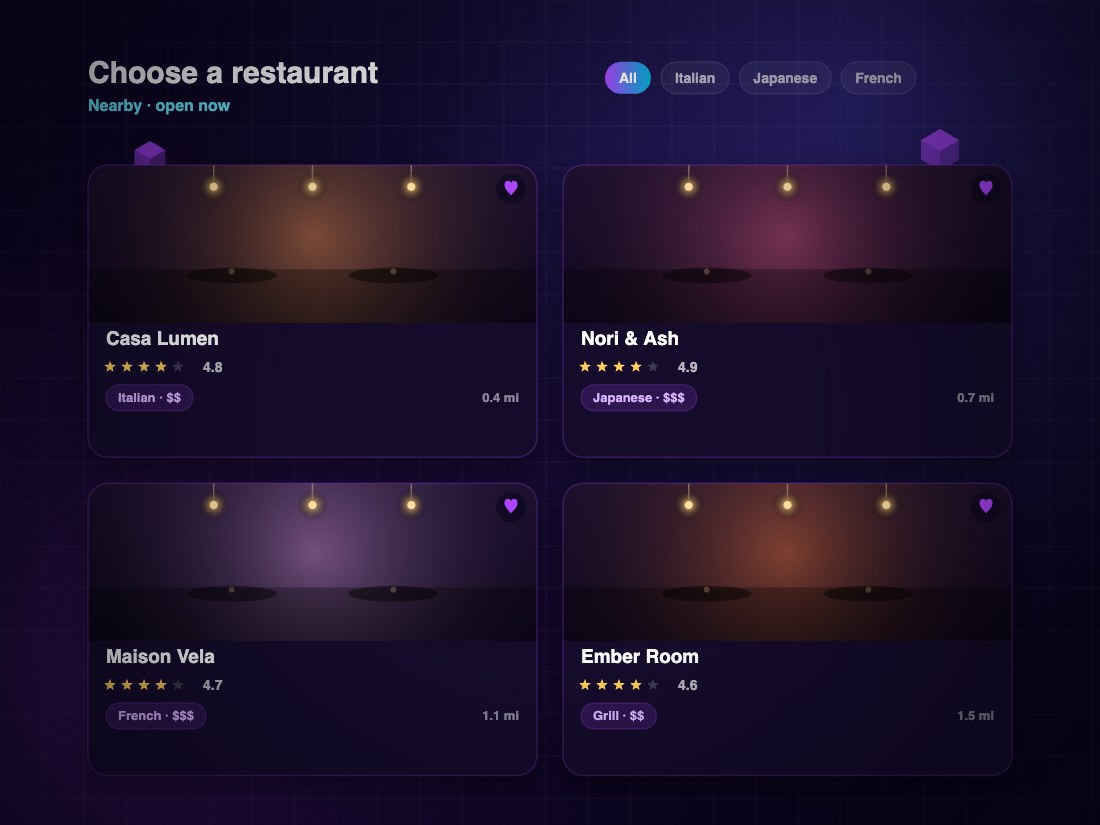
Open the app and choose your path: reserve a restaurant table, order home catering, or organize a full party. Browse venues, cuisines and trending dishes in seconds.
See the menu in three dimensions
Tap any dish to rotate a true-to-life 3D model, then place it on your real table in AR. Preview an entire table setting before you commit to a single plate.

Lock in the time and details
Pick your date, time and party size within the restaurant’s real availability, add a small refundable deposit, and drop the reservation straight into your calendar.

Scan one QR, share one tab
At the table, everyone scans the same QR and joins a live shared order. Add dishes from your own phone and watch the tab update in real time for the whole group.

Split it however you like
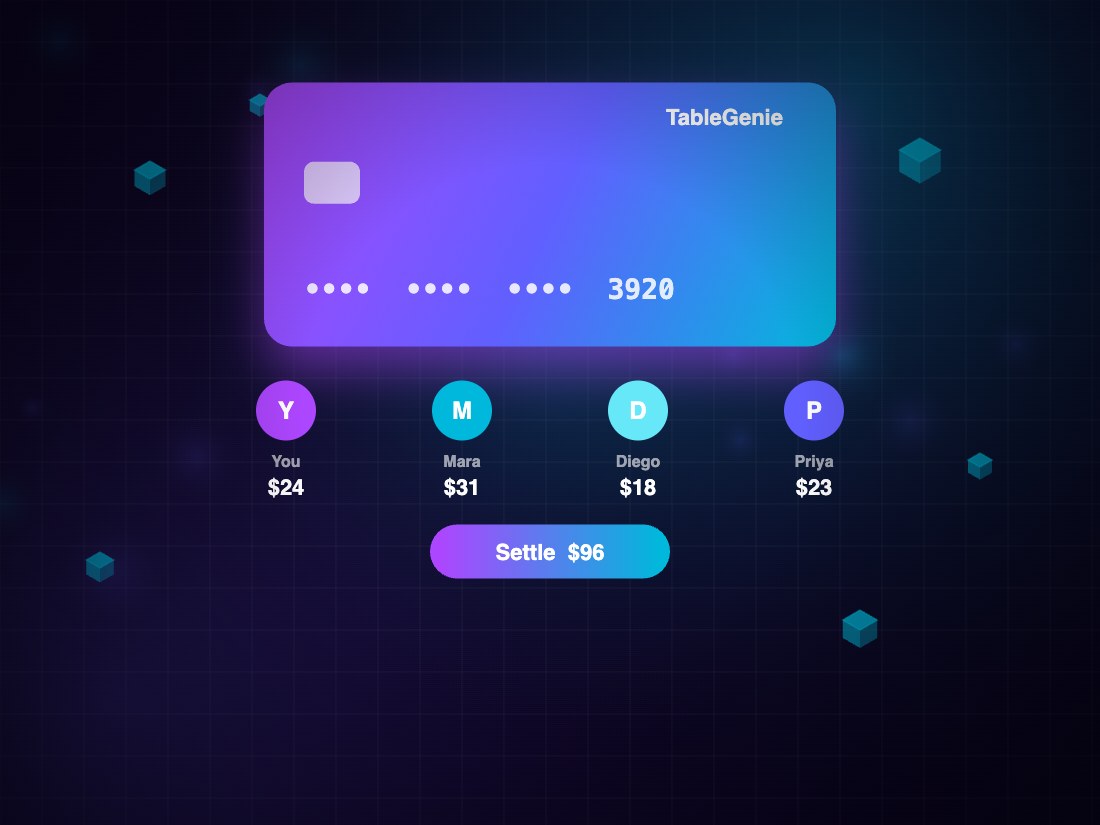
When you’re done, settle the whole table at once or split by person or evenly, add a tip, and walk out. No waiting, no math, no awkwardness.
Two ways to settle, zero awkwardness
When the meal winds down, the shared tab makes paying the easy part.
Split by person
Everyone pays for exactly what they added to the shared tab. The app tallies each person’s items automatically — no spreadsheet required.
Split evenly
Prefer to keep it simple? Divide the full total equally across the table in one tap, tip included.